This post describes how to prepare the Victim PC for the attack scenario, to simulate an ransomware attack against the domain controller.Assuming you already finished lab setup 3/3 | Victim PC⬈ you have to do the following steps on your Victim PC.
- download files from GitHub to c:\temp\AS2Go
- optional create an creates a self-signed certificate
Download GitHub package
Download the repository via git
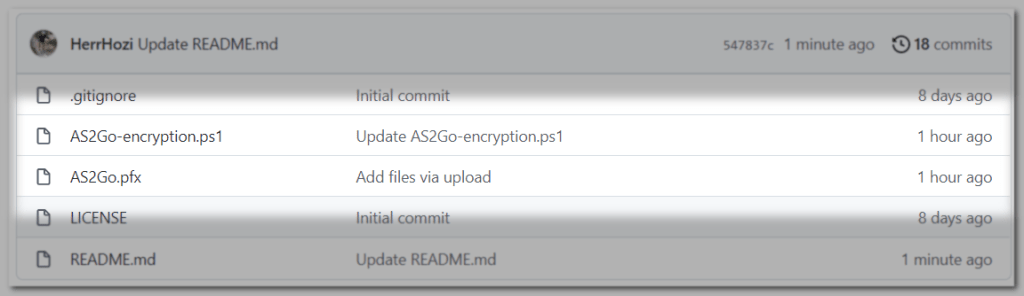
git clone https://github.com/HerrHozi/AS2Go-Victim-PC-Add-Encryption.git c:\temp\1or direct from my GitHub Add Encryption ⬈ repository and save them into directory C:\temp\AS2Go.
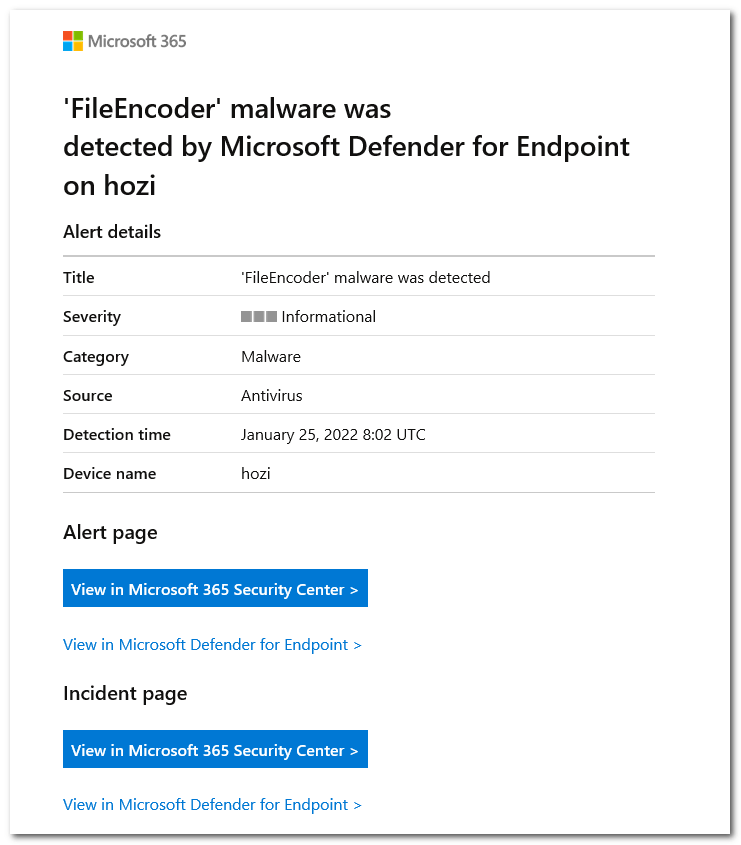
Please note that the PoSH script is detected as FileEncoder malware by Microsoft Defender for Endpoint (MDE).
Using an X.509 public key certificate to encrypt files
The additional PowerShell script (AS2Go-encryption.ps1) encrypts files using an X.509 public key certificate.
The PowerShell script is based on this Ransomware Simulator ⬈

Before the encryption, examples files are copied to the backup share \\<dc>\AD-Backup\<victim>, e.g. \\DC01\AD-Backup\VI-HerrHozi

AS2Go has NO procedure to decrypt the data after the attack, but the decryption routine is available in the Ransomware Simulator. Just delete the test directory after the attack.
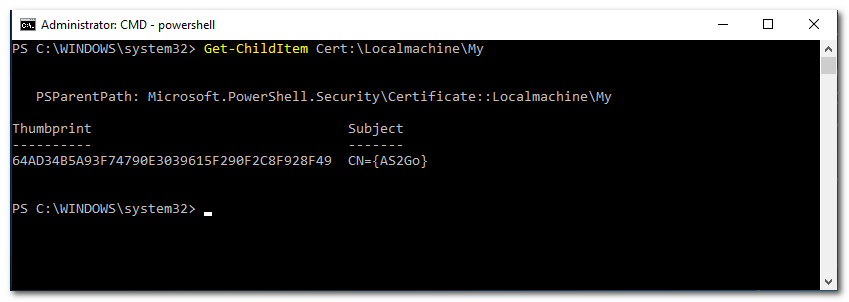
The X.509 certificate is installed on the Victim PC during the first run. If your Victim PC runs on an Windows Server 2012 R2 (before Windows Server 2016) please run the following code to install the certificate
$SecurePass = ConvertTo-SecureString -String '1q' -AsPlainText -Force
Import-PfxCertificate -FilePath C:\temp\AS2Go\as2go.pfx -CertStoreLocation Cert:\Localmachine\My -Password $SecurePass
Get-ChildItem Cert:\Localmachine\My | ft Thumbprint,Subject
# end of code
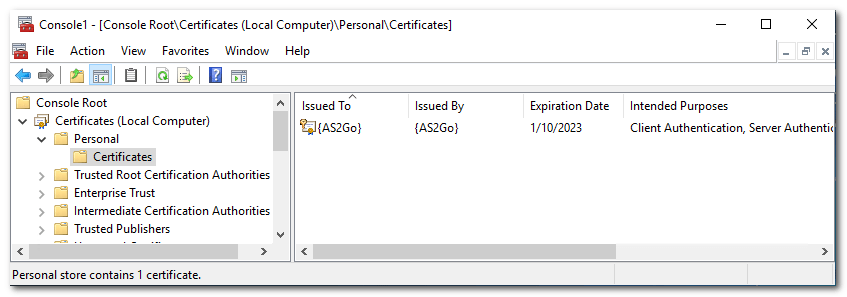
Alternatively, you can also use the Certificate Manager Console (Certmgr.msc).
Test the Ransomware Attack to encrypt files
Before starting, make sure you granted change permission to the AD-Backup Share on your domain controller.
net share "AD-Backup=c:\temp\as2go" "/GRANT:Domain Admins,CHANGE" /Remark:"Needed for AS2Go"Minimum required version of AS2Go.ps1 is 2.0.4.000! You find the latest AS2Go.ps1 version here ⬈.
 Herr HoZi
One thought on “AS2Go | Prepare & Test the Ransomware Attack”